
Medicare consent for every bulk-billed visit, signed and claim-ready in under a minute.
GPConsent captures, signs, retains and exports Assignment of Benefit consent across every setting you bill in — aged care, home visits, telehealth, NDIS and beyond — so your claims never stall on missing paperwork.
No credit card required · cancel anytime

The deadline is real
From 1 July 2026, verbal consent no longer covers your bulk-billed claims.
Every bulk-billed service now needs a signed, retained Assignment of Benefit with the right person assigning. GPConsent turns that obligation into a 60-second tap-and-sign — at the bedside, on a home visit, or over a telehealth link — and keeps the evidence for the full two years.
One tool, every setting
Wherever you bulk-bill, consent is covered
The rule applies to every bulk-billed service — not just aged care. GPConsent tailors its MBS rules and consent flow to each care setting.
See it in action
A whole round, captured and signed in minutes
Watch a GP set up a round, send one signing link, and collect signatures that turn straight into claim-ready consents.
Everything in one portal
A complete consent and billing workflow
GP Rounds & bulk signing
Plan a round to any location, assign patients and MBS items, then send one secure link. The nursing team collects a signature per patient and each becomes a claim-ready consent — no chasing forms.
Every care setting
RACF, transition & subacute care, NDIS homes, home visits, telehealth, mental health, ACCHO, rural outreach and more. Each location has a setting and the MBS rules adapt to it.
Four consent pathways
Bedside e-signature on your device, an SMS/email link to a representative, a scanned paper form, or a documented unable-to-sign exception — one flow per bulk-billed episode.
Eligibility guardrails
Facility staff and practice staff are blocked from assigning. A capacity flag forces an eligible representative, and the coordinator role can organise consent but never sign.
Full MBS catalogue
Search all ~6,000 MBS items with current schedule fees, refreshed from the official quarterly release — plus a curated quick-pick of the items you use most.
Setting-aware MBS rules
Residential exclusions (e.g. 721/723) fire only where they apply, duplicate call-outs are flagged, and ineligible items can't be selected — tuned to each setting.
Reg 65C(4) data set
Patient and provider details, MBS items, assignment type, date, statement and signature are captured and validated on every consent — nothing is claimed without them.
2-year retention vault
Every consent is archived with a days-remaining counter against the mandatory 2-year window, with a full create / sign / export / resend audit trail.
Practitioner + patient PDFs
Generate the formal Assignment of Benefit agreement — both copies — for any record, or a multi-page bundle for a whole billing batch.
Billing export
A claim-ready list of compliant, unsubmitted consents. Export CSV or a PDF bundle and mark submitted to prevent double-claiming.
Follow-up notifications
A computed queue chases unsigned links at 2h and 24h, risk holds, authorities expiring within 30 days, and MyMedicare gaps.
Roles & data isolation
Owner, Manager, GP, Admin and Coordinator roles with Row-Level Security enforcing strict per-practice isolation in a Sydney-region database.
One workflow, every setting
From the clinic desk to the lounge room

At the desk or bedside
Capture and sign where care happens
Pull up the resident, choose the MBS items, and capture an ETA-1999 electronic signature on the spot — on a desktop at the practice or a tablet by the bed. The record is compliant the moment it's signed.

Your team stays in control
Coordinate consent without chasing paper
Reception and clinical-care coordinators build rounds, track who has signed, and release claims from one dashboard — with role-based access and a full audit trail behind every action.
For residents who can't sign
Representatives consent on a resident's behalf
When a resident lacks capacity, the eligible representative — never facility staff — reviews the agreement and signs from their own device. The capacity guardrail is enforced automatically.

Signed from anywhere
A single-use link, signed in seconds
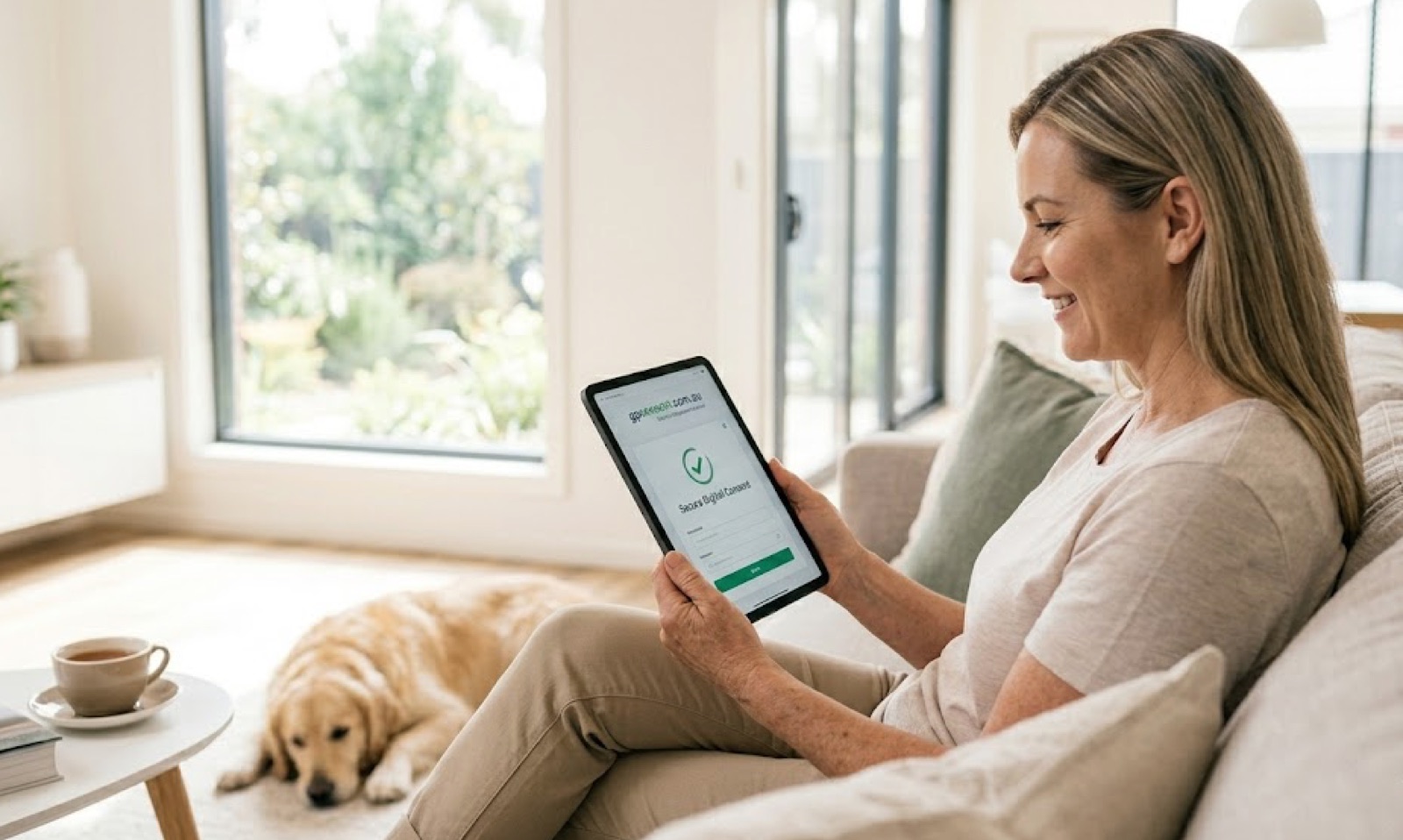
Send a secure link by SMS or email and the patient or representative signs from home — no app to download, no printing, no posting forms back to the practice.
How it works
Three steps, every visit
Capture
Pick the resident and MBS items. GPConsent assembles the reg 65C(4) data set and checks who is eligible to assign.
Sign
The resident or representative signs on your device at the bedside, or via a single-use SMS link — an ETA-1999 electronic signature, timestamped.
Claim
The record turns compliant instantly. Export the PDF and the claim-ready batch, mark it submitted, and the retention clock starts automatically.
Compliance by design
The rules, enforced in software
GPConsent is built around the requirements but is not legal advice. Have your own compliance adviser confirm your configuration and electronic-signature setup before relying on it for live claims.
Questions
What practice managers ask first
What if a resident can't sign?
Capture consent from their eligible representative — send a single-use secure link to review and sign on their own device. The capacity flag enforces this pathway automatically.
Can RACF or facility staff sign for residents?
No. Facility staff, proprietors and practice staff are excluded as assignors. A coordinator role can organise consent but can never sign on a resident's behalf.
Does it work with Best Practice or MedicalDirector?
You can export claim-ready PDF and CSV bundles today. Direct API integration with practice software is on the roadmap.
Where is our data stored?
In Supabase's Sydney (ap-southeast-2) region, with per-practice Row-Level Security — aligned with Privacy Act APP 8 (data residency) and APP 11 (security).
How long are consents kept?
Every consent is retained for the mandatory 2 years, with a days-remaining countdown and a full create / sign / export audit trail.
Can multiple GPs share one account?
Yes — Owner, Manager, GP, Admin and Coordinator roles, each scoped to your practice with role-based access.
What does it cost?
From A$49/month, with a 14-day free trial and no credit card required. Cancel anytime.
Simple per-practice pricing
Plans that scale with your GPs and locations
Start free with a 14-day trial on signup — no card. Upgrade to a plan to unlock SMS consent links and keep going.
See it on your patients
Get a live demo + launch offer
Pop in your details and we'll email you a hands-on demo login (pre-loaded with sample patients) and your 14-day free-trial offer.
Be ready before 1 July 2026.
Set up your practice today and capture your first compliant consent this afternoon.